Co-founder and Art Director of formascope agency
Karen Gevorgyan
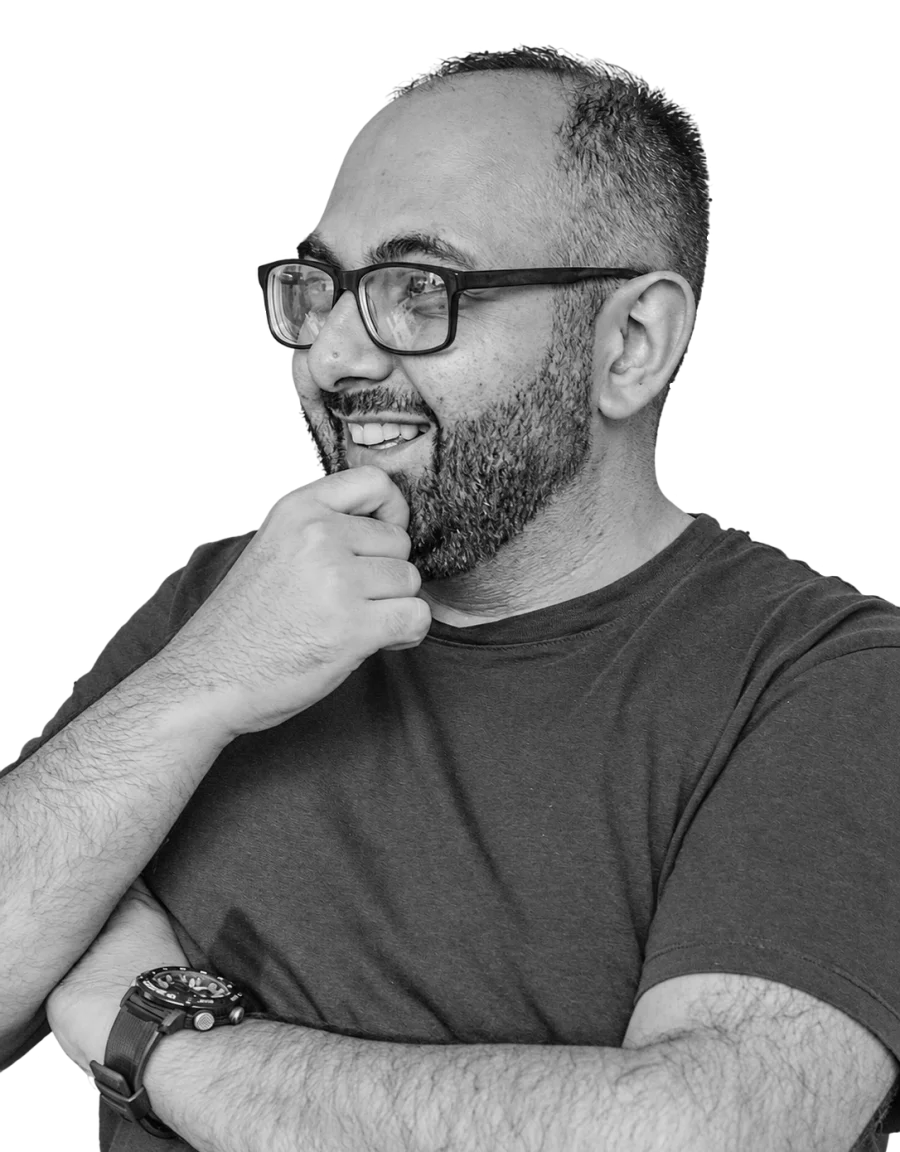
Karen embarked on his professional journey after completing both his Bachelor’s and Master’s degrees in Advertising. He began his career as a copywriter at JWT (Prime Commercial), part of the WPP Group, where he worked with global brands including HSBC and Kraft Foods. In 2012, he transitioned into branding, focusing on the creation and development of strong brand identities.
In 2018, he co-founded formascope, an independent branding agency, where he serves as co-founder and art director. At formascope, Karen focuses on building brands through clear ideas, strong systems, and high standards of craftsmanship. His approach is driven by the belief that effective branding must be both conceptually sharp and commercially successful, with writing, design and strategy functioning as one cohesive whole.
Under his creative leadership, formascope’s work has received international recognition and numerous awards, including The Dieline Awards, D&AD, European Design Awards, Art Directors Club of Europe (ADCE), Pentawards, World Brand Design Awards, AdBlackSea, Epica Awards, ADC. Karen has served as a jury member for D&AD, contributing his expertise to the evaluation of creative work on an international stage. Formascope’s work has also been featured in respected publications such as TASCHEN, Victionary, Étapes, SendPoints, Communication Arts, Slanted and more.
심사위원
-
아르메니아 문자 전문가
문자 그룹 : 아르메니아 문자
Bloom Award